[EN] How to install Tales Runner : Dream Journey by HOF on Linux, Quick and Easy
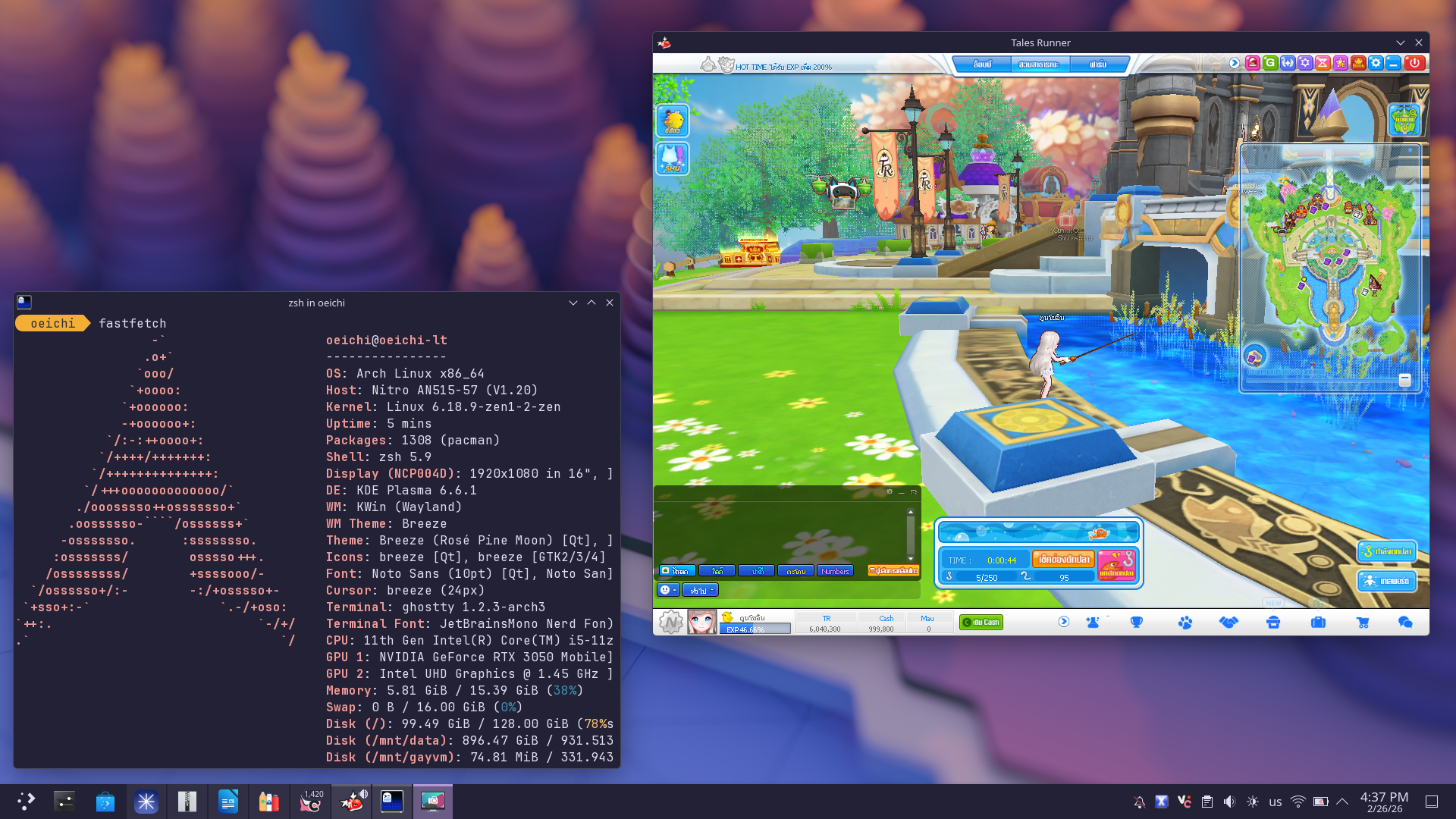
Quick guide to start yelling “I use arch btw,” on the Public Chat
[!NOTE] สำหรับเวอรชั่นภาษาไทย, คลิกที่นี้!
Prerequisite
- Linux (ofc.)
- Bottles
- Flatpak
- The ZIP version of the Game (Both Mini, Full work)
Why don’t use MSI one…
Technically work, but need .NET Framework 4.8 to exist before install.
Let’s start!
[!NOTE] This guide can be improvised with other wine-based manager (or even Steam app), but I will use Bottles, since it easiest and can install on any distro with Flatpak, and it also have AUR package, I use AUR-Version for this but Flatpak also work!
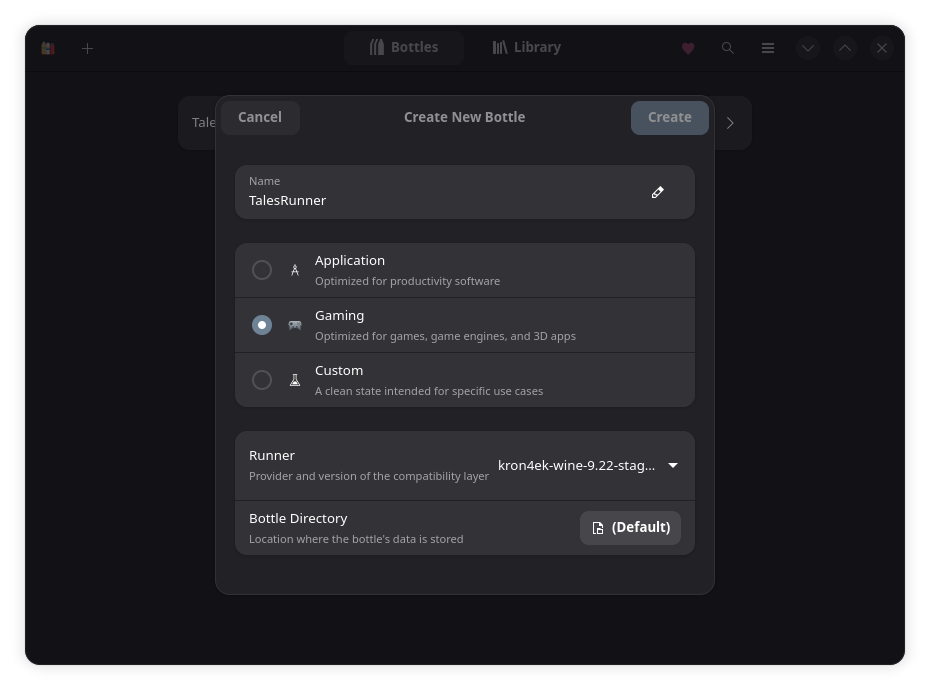
Start by creating a new bottles, Can use Gaming Profile to skip some dependencies eg. DirectX,
Note, The Wine I used are kron4ek one, 9.22-staging-tkg. But the newer also work, also with other fork, you can try and find which best for you.
after that, in Dependency. I recommended to install allfonts and webview2 for the Launcher. (Don’t forget dotnet48 for who to use the Installer)
After that Install the Game or extract to wherever you want, and then add shortcut “talesrunner.exe” into Bottles
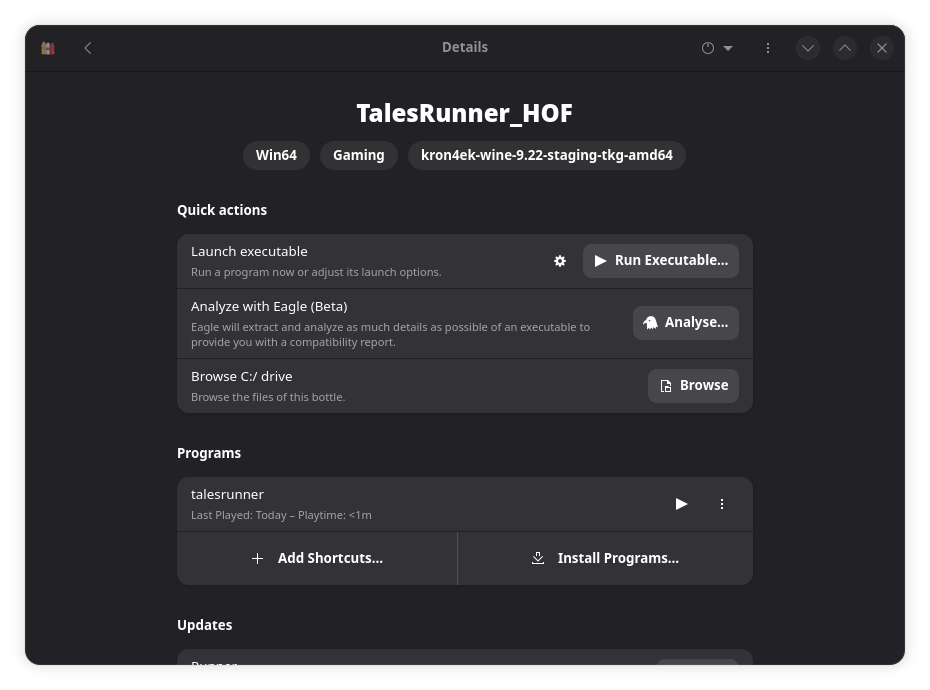
After that you can launch and enjoy running!
Extra: What’s about XIGNCODE3 (The AntiCheat)
Oh, it has supported via Wine (aka, Proton) already, it won’t cause anything and work just fine. Here the report!
Is there any config or anything you want to tell, leave the comment!
Notes mentioning this note
There are no notes linking to this note.