[EN] Configure Pongsawadi Printer on Linux
Who though it can do that? Here’s proof.
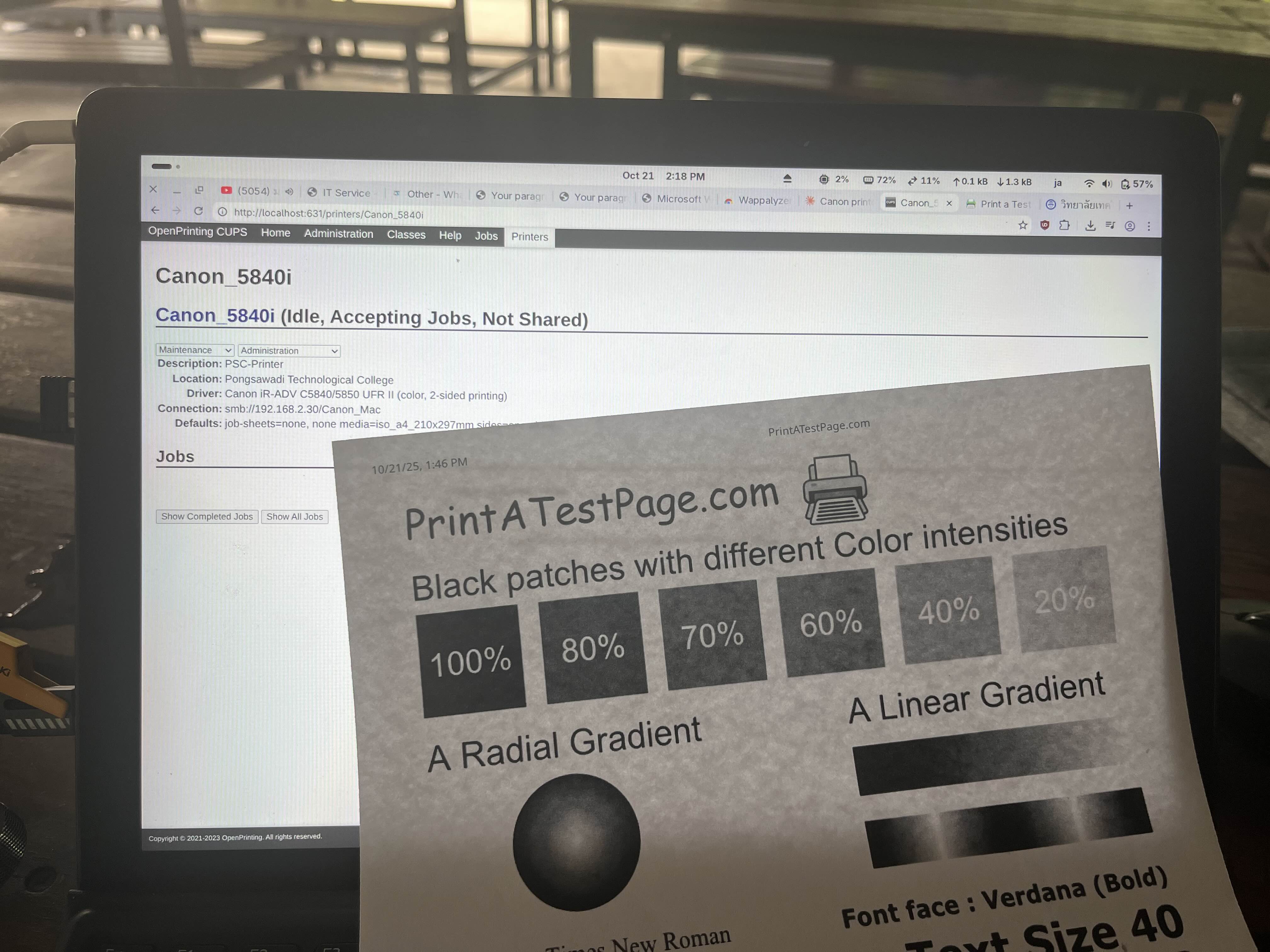
But how? You guess?
Tutorial
[!INFO] This tutorial will based on Arch Linux (since I use arch btw), if you use another distro like Ubuntu, Mint, Debian. DYOR (Do your own research) but step will familar to this
First, Install CUPS and Samba (For who still doesn’t)
sudo pacman -S cups samba ghostscript
and then install Canon UFR II PPD Driver
yay -S cnrdrvcups-lb
and than just make simple samba config on /etc/samba/samba.conf like this
[global]
   workgroup = PSC ; Or you can use anything else!
   client min protocol = SMB2
   client max protocol = SMB3
after that you can enable cups
sudo systemctl start cups
sudo systemctl enable cups
Second, add the printer
With this simple command
sudo lpadmin -p Canon_5840i \
  -v "smb://psc%5Cu012345:1234@canonps.psc.local/Canon_Mac" \
  -P /usr/share/cups/model/CNRCUPSIRADVC5840ZK.ppd \
  -E
-
lpadmin -p Canon_5840i -v "smb://psc%5Cu012345:1234@canonps.psc.local/- Printer Location on Canon Print Server (canonps) by-
smb://- Protocol (SMB) -
psc%5c- Domain (NETBIOS) Name [This casepsc\] -
u012345- Username (same as network/ad cred) -
1234- Password -
canonps.psc.local- Server (Also works with IP, 192.168.2.30) -
/Canon_Mac- Path to Printer
-
-
-P /usr/share/cups/model/CNRCUPSIRADVC5840ZK.ppd- Spectify PPD Driver (Canon iR-ADV C5840/5850 UFR II ) -
-E- Enableyou can set -p as you like, ex. psc-printer
After that, you can print via Printer as normal.